
You write and cite. We’ll get the details right.
Getting citations right is important, and often tedious. Paperpile does the hard work for you, so you never have to think about formatting again.
Cite as fast as you can write. Without distractions.
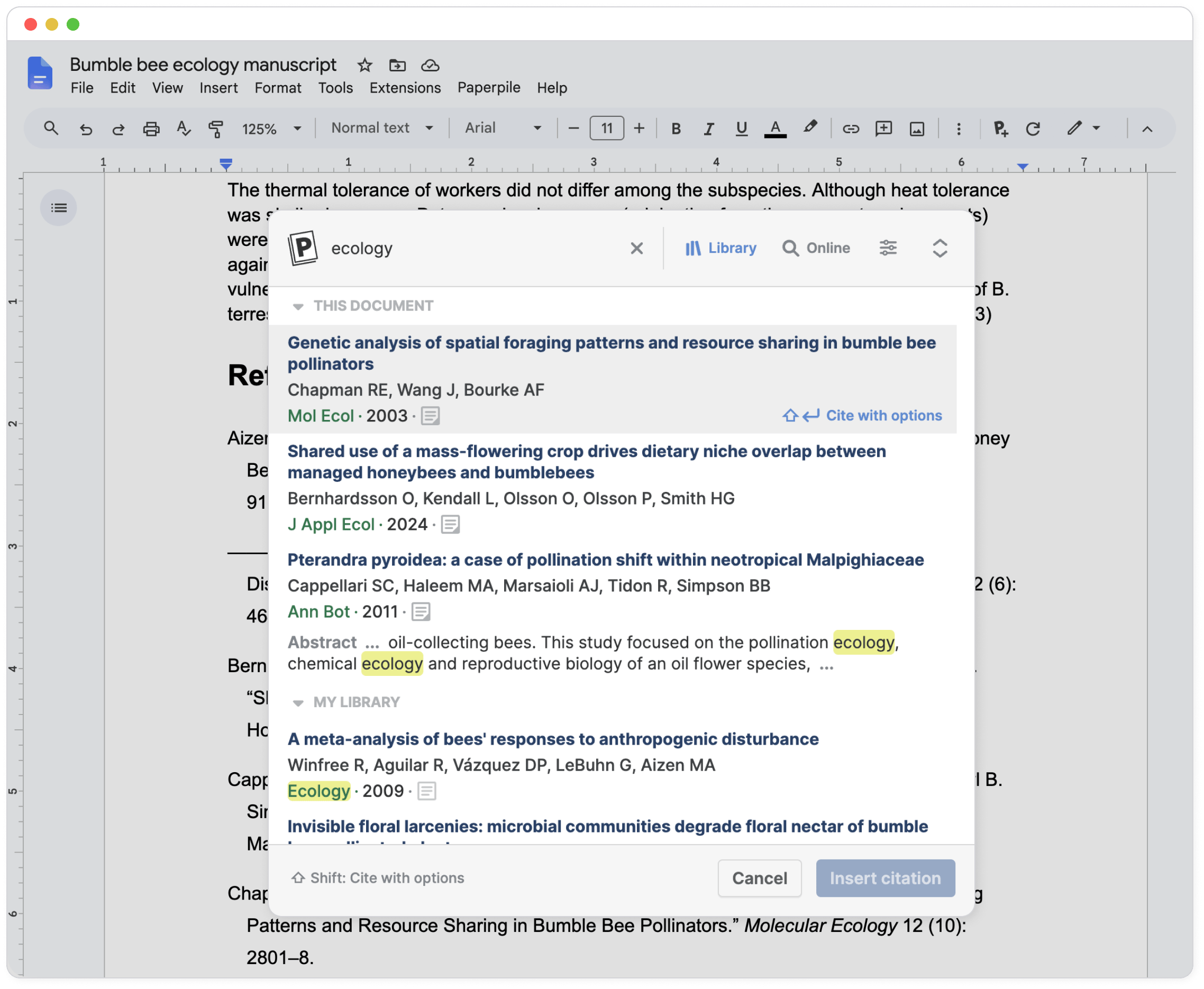
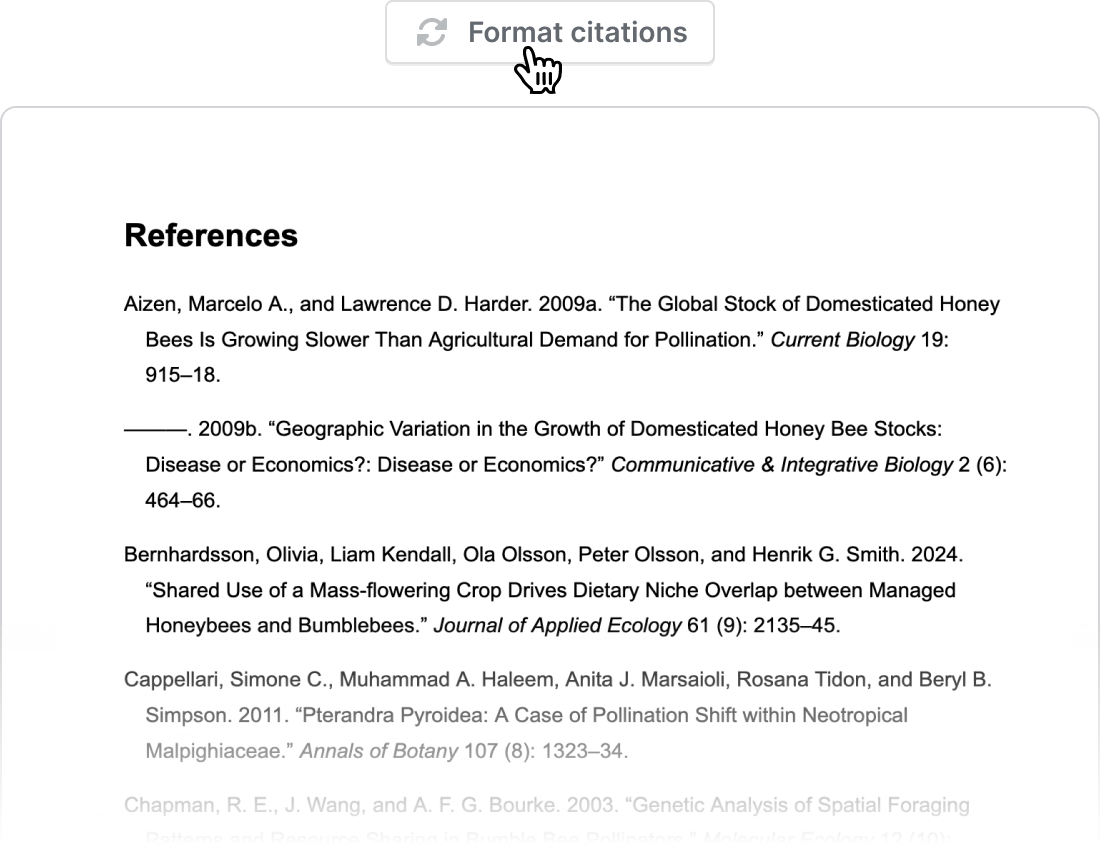
Bibliography, in-text citations, footnotes. All automatic
Add a citation and Paperpile does the rest.
It formats in-text citations, footnotes, and your bibliography automatically.
Unsure about “et al.” or “ibid”? Paperpile knows.
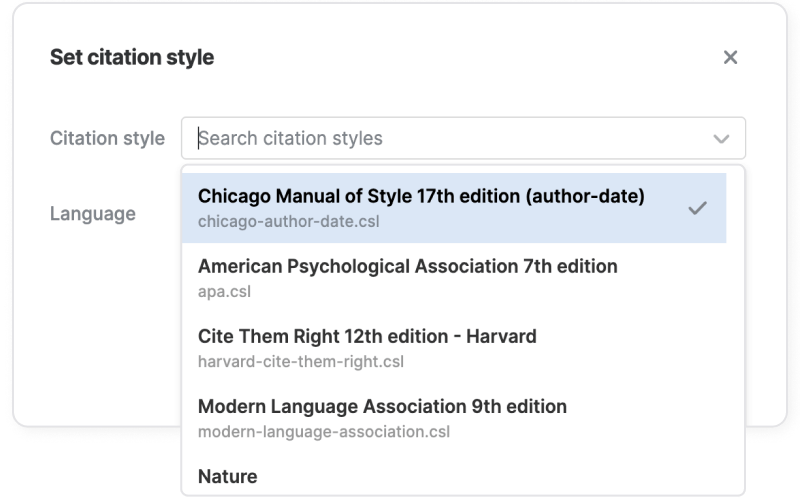
Choose your style and submit with confidence
Format in any major style like APA, MLA, Chicago, or pick from thousands of journal-specific styles. Reformat anytime with one click. Need special requirements? Upload your own style.
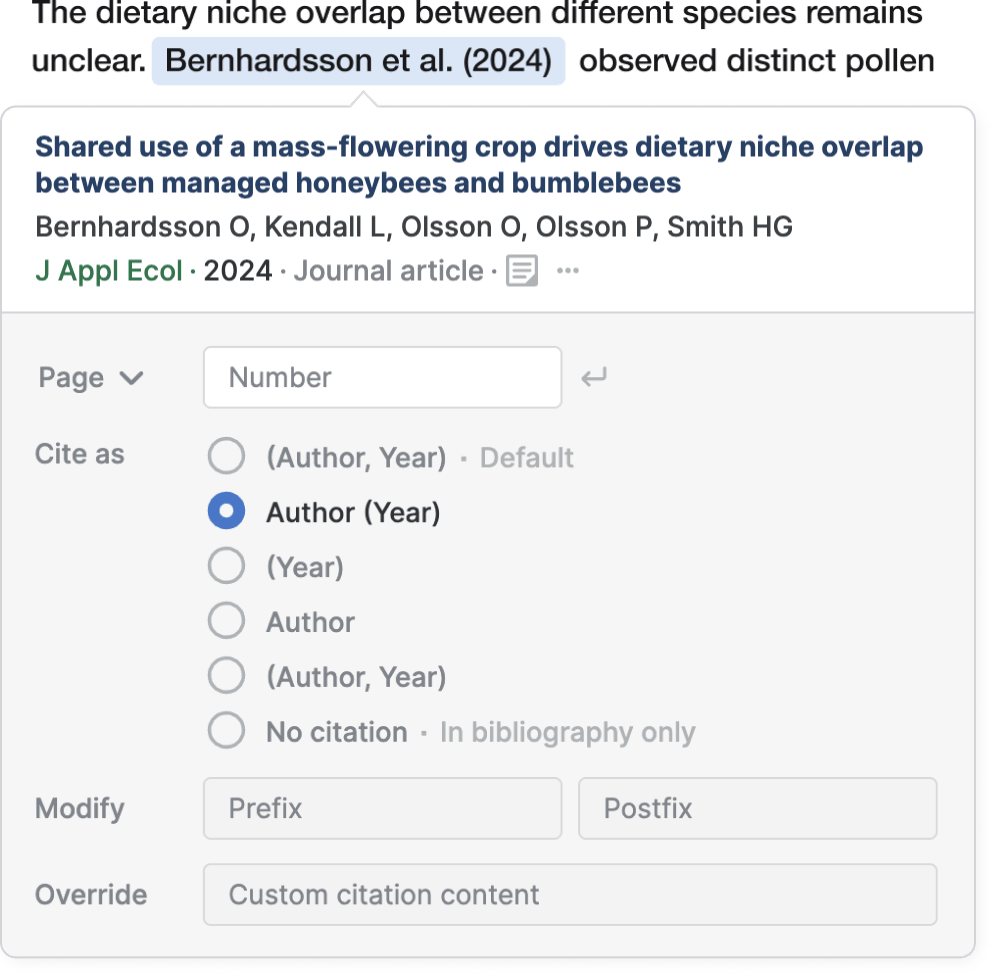
Citations that flow with your sentence
No brackets wrangling or awkward workarounds. Paperpile has all the options to make citations flow naturally in your sentences.
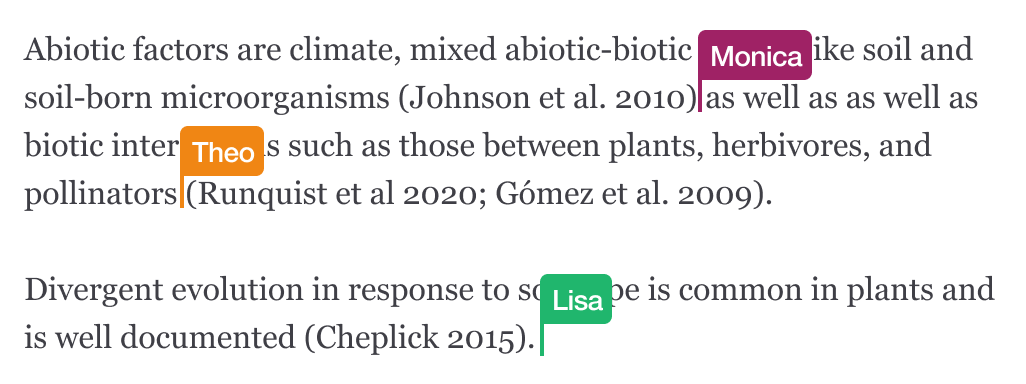
Collaborative by default
Emailed documents, version conflicts, broken references — sound familiar? Whether it’s 1, 2, or 200 authors, everyone can work on the same document at the same time, adding and editing citations without issues.
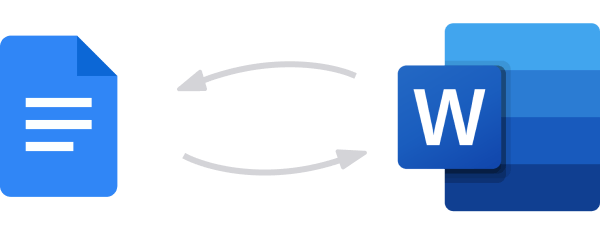
Switch between Google Docs or Word
Draft in Google Docs and submit in Word, then return to Google Docs for revisions.
Your citations and bibliography stay intact.