
Put your browser in research mode
Paperpile's browser extension turns any tab into your research assistant — save papers from anywhere, pull in the PDF and metadata in one click, and stay organized as you go.
Save now, read later
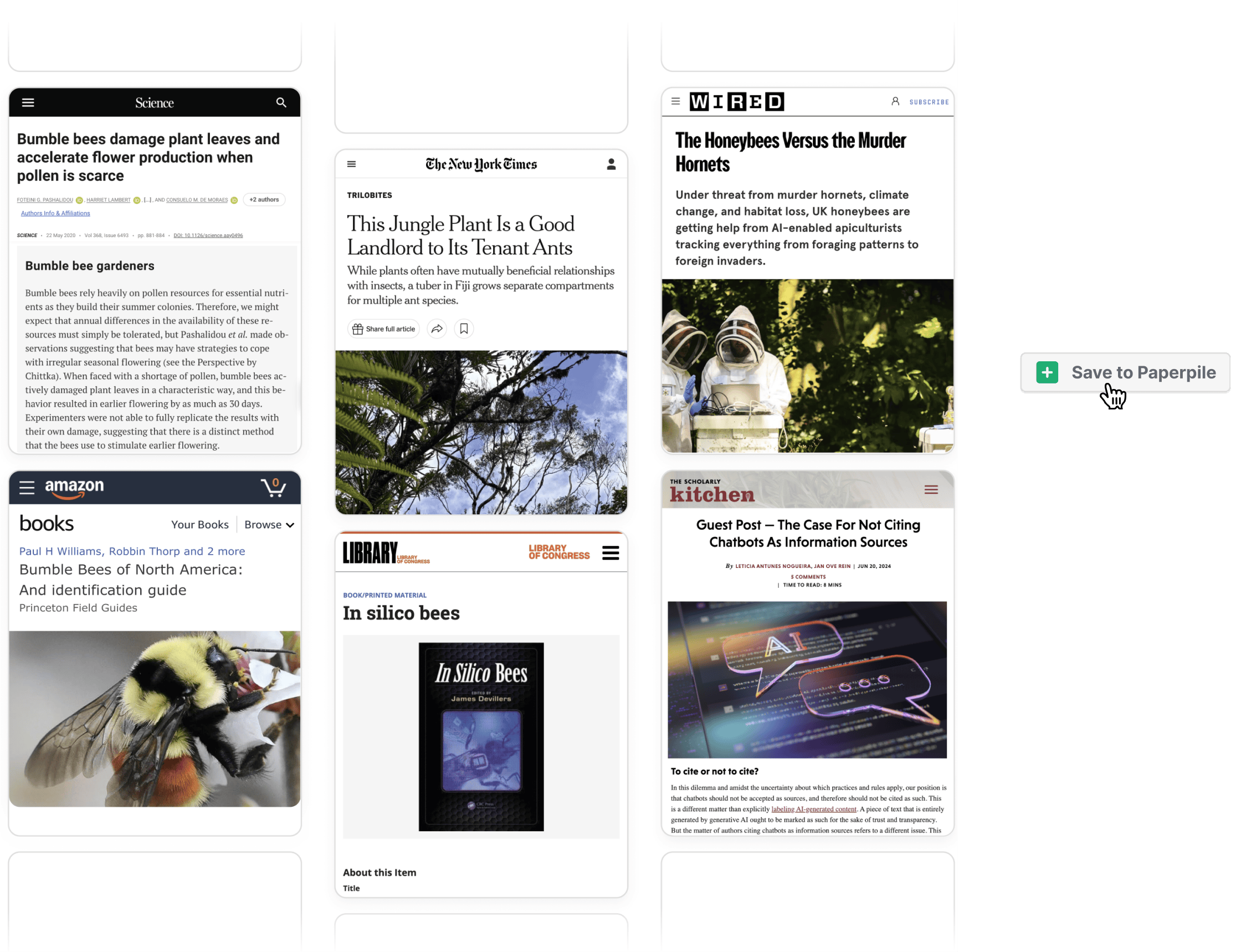
Don't keep tabs open for weeks "just in case." Save papers, books, news articles, blogs — anything you find — and know it's there for you in your library when you need it.
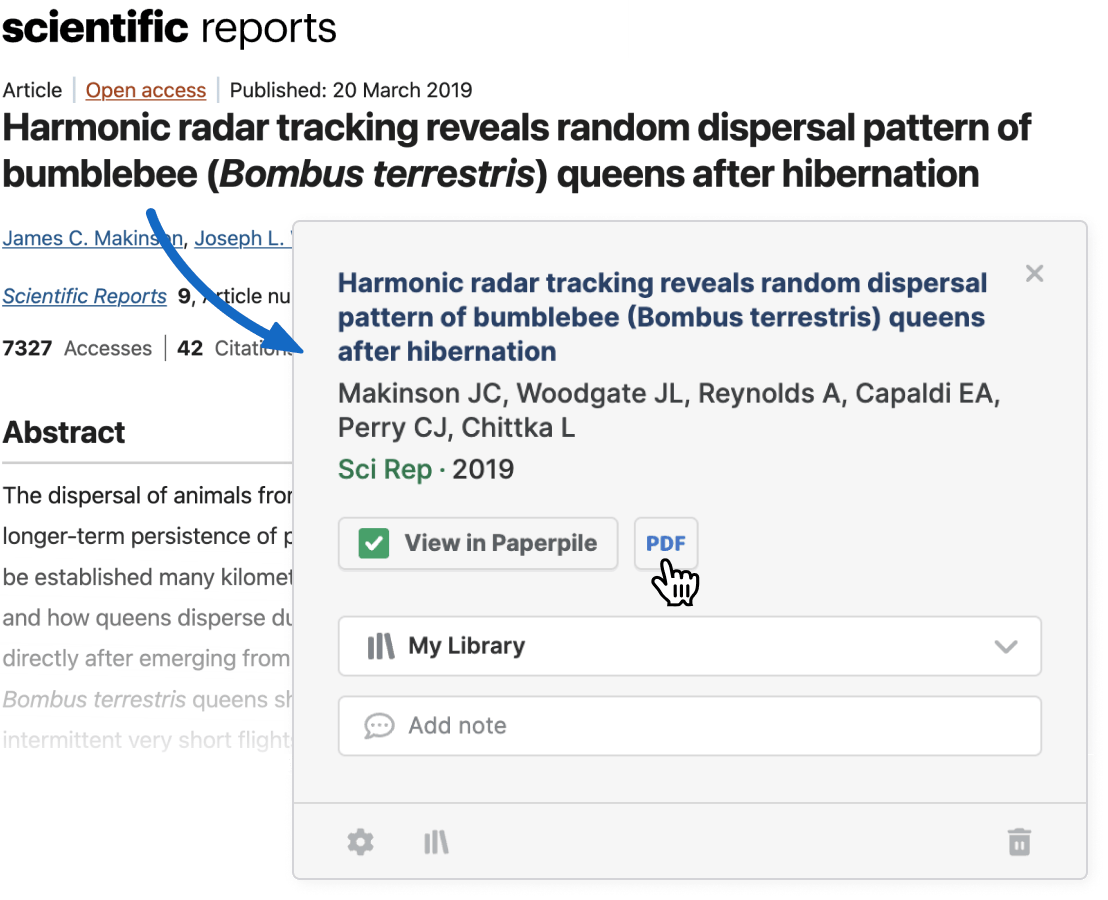
Get metadata and PDF — ready to cite, ready to read
Paperpile's unmatched algorithms understand thousands of publishers, databases, and websites — ensuring you always get the best metadata and the PDF whenever it's available.
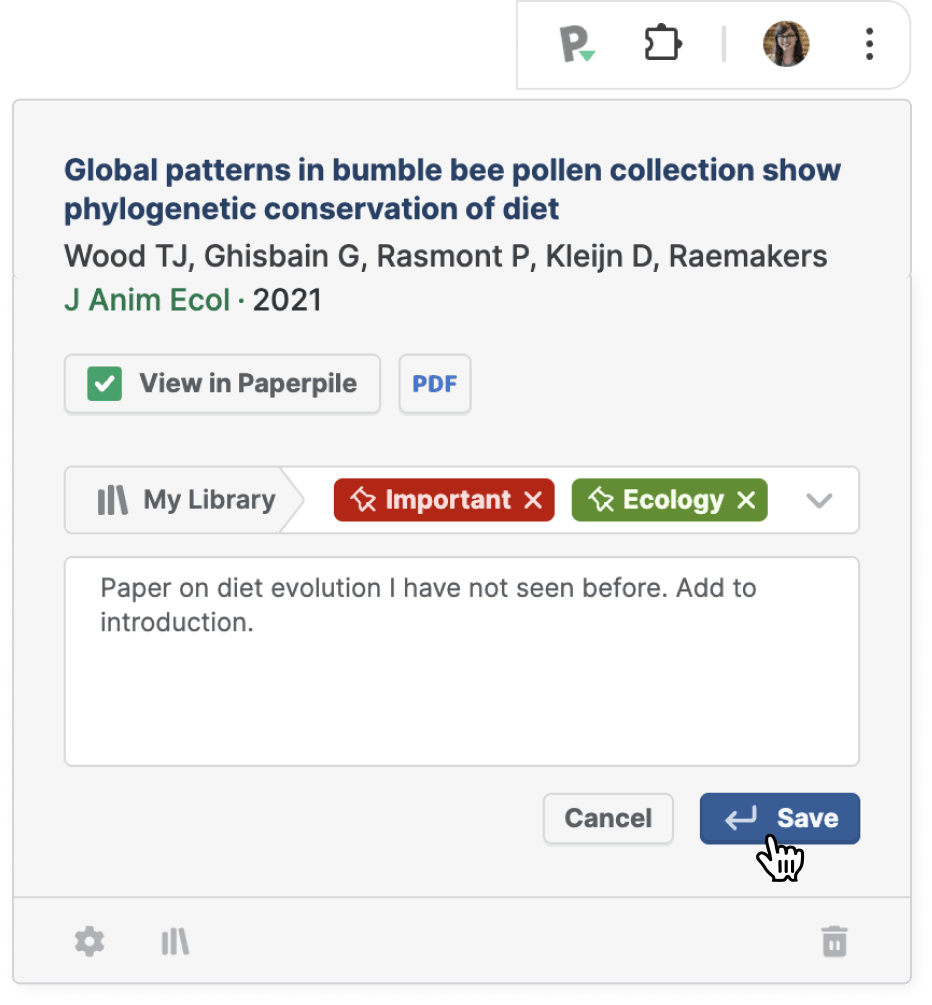
Stay organized — without trying
Organize a reference the moment you save it. Choose a folder, add labels, or jot down a quick note — all without losing your focus.
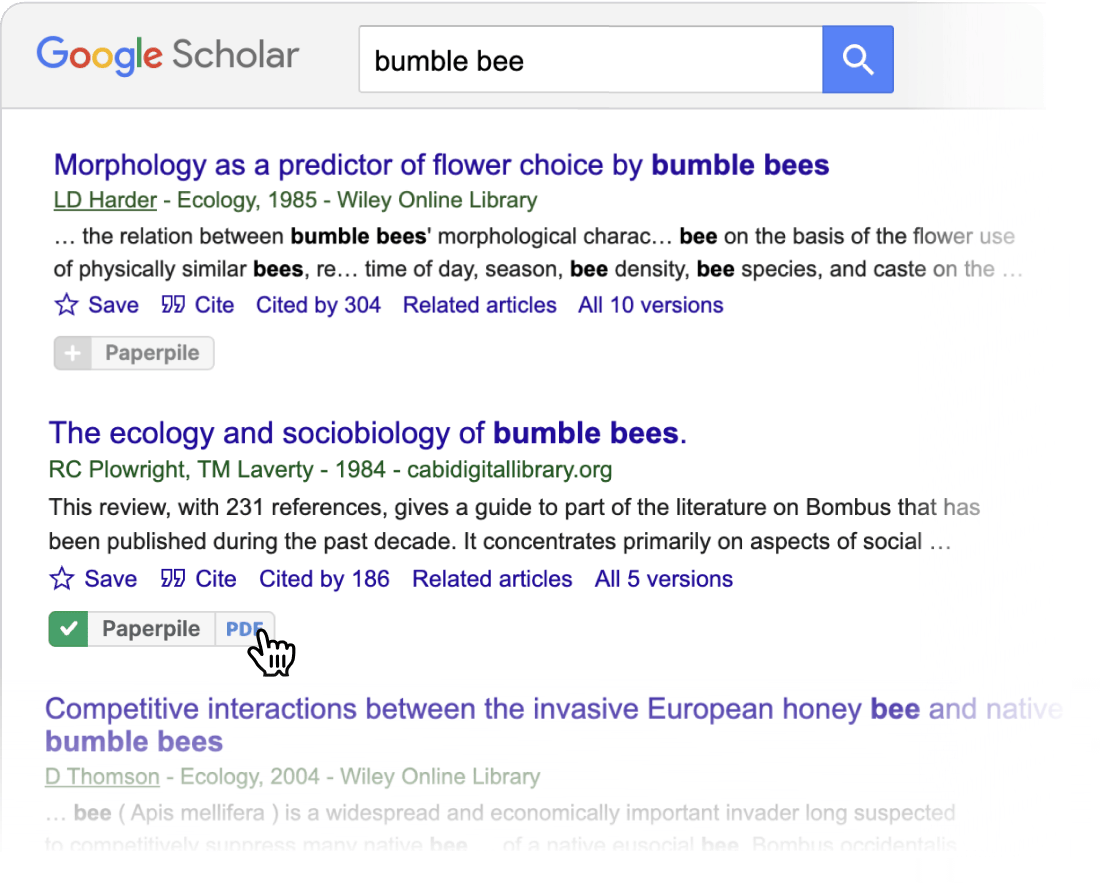
Power-ups for your favorite database
Love Google Scholar, PubMed, or arXiv? Paperpile adds buttons that let you save directly to your library, check if it's already there, and open or download the PDF instantly.
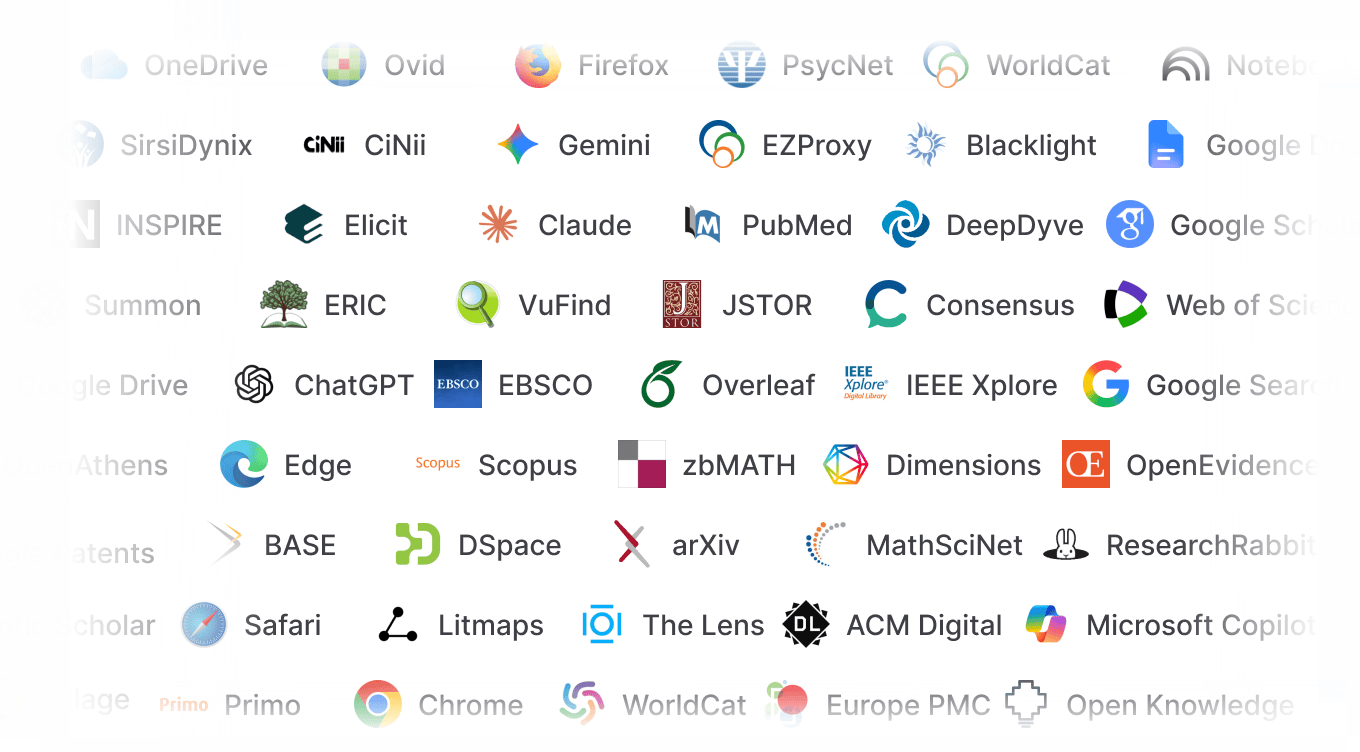
And even more. Go discover.
Install the browser extension and you'll find integrations with the sites and apps you use every day.
Cite in Google Docs, save a PDF straight from Google Search, or even chat about a PDF from your library in ChatGPT.