Sales tax
In some countries and regions, we are legally required to collect sales tax (such as VAT or GST). This article explains how taxes are applied to your Paperpile subscription based on your location.
Set your address to calculate the correct tax
The tax and tax rate applied to your Paperpile subscription depend on your billing address (country and, in some cases, your ZIP/postal code).
We automatically set your country based on your current location or the issuing country of your credit card. If required, we’ll ask you to enter your ZIP/postal code to determine the correct tax rate.
You can review and change your address during checkout before completing your purchase.
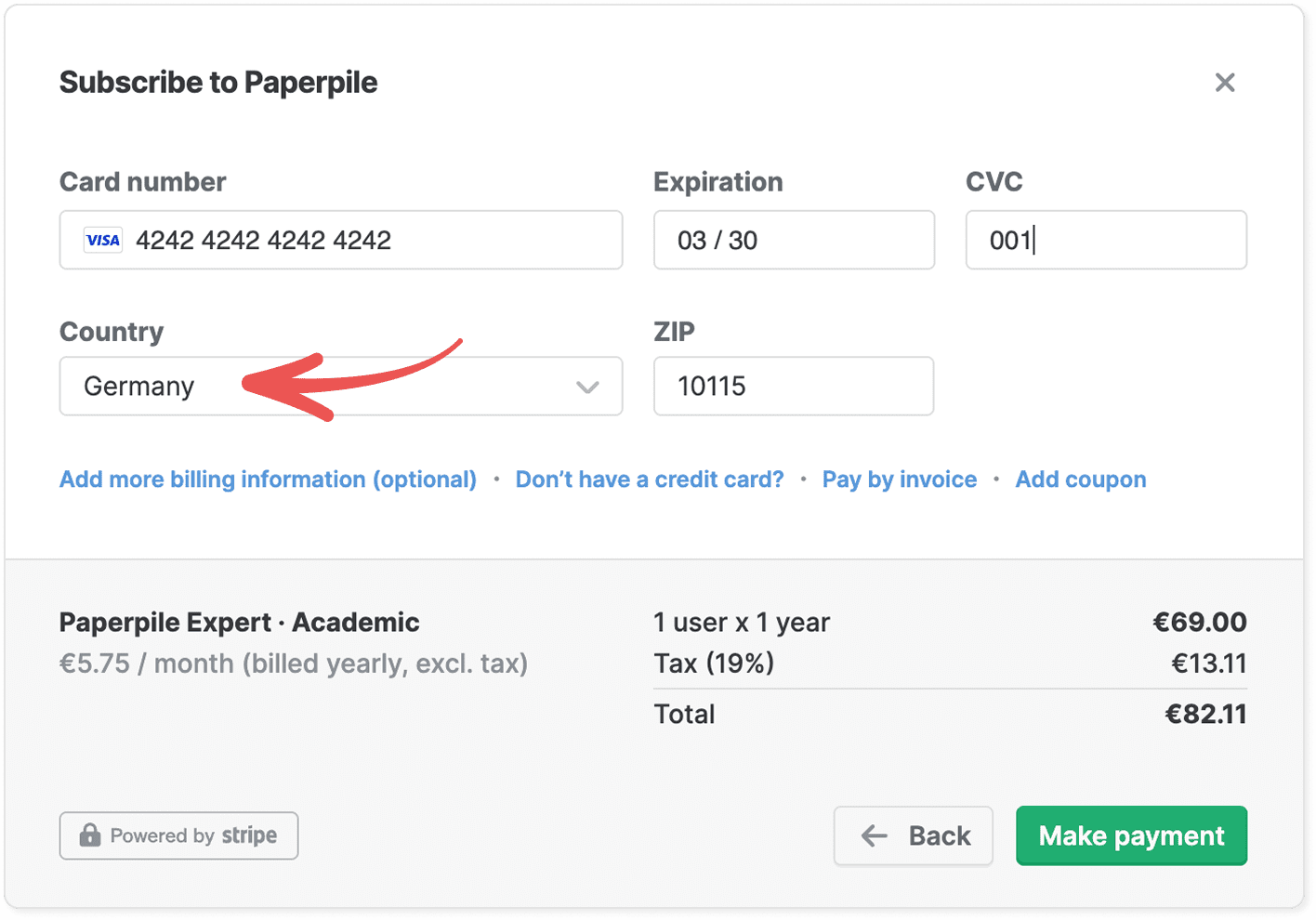
If you move or need to update your billing details, you can change your address at any time. The updated tax rate will apply to future invoices.
See Invoices and receipts > Add billing information to your invoices.
Add your tax registration number (if applicable)
In some regions, businesses may qualify for tax exemption or reverse charge. To determine whether tax applies, we use your tax registration number (for example, a VAT ID).
You can enter your tax registration number during checkout.
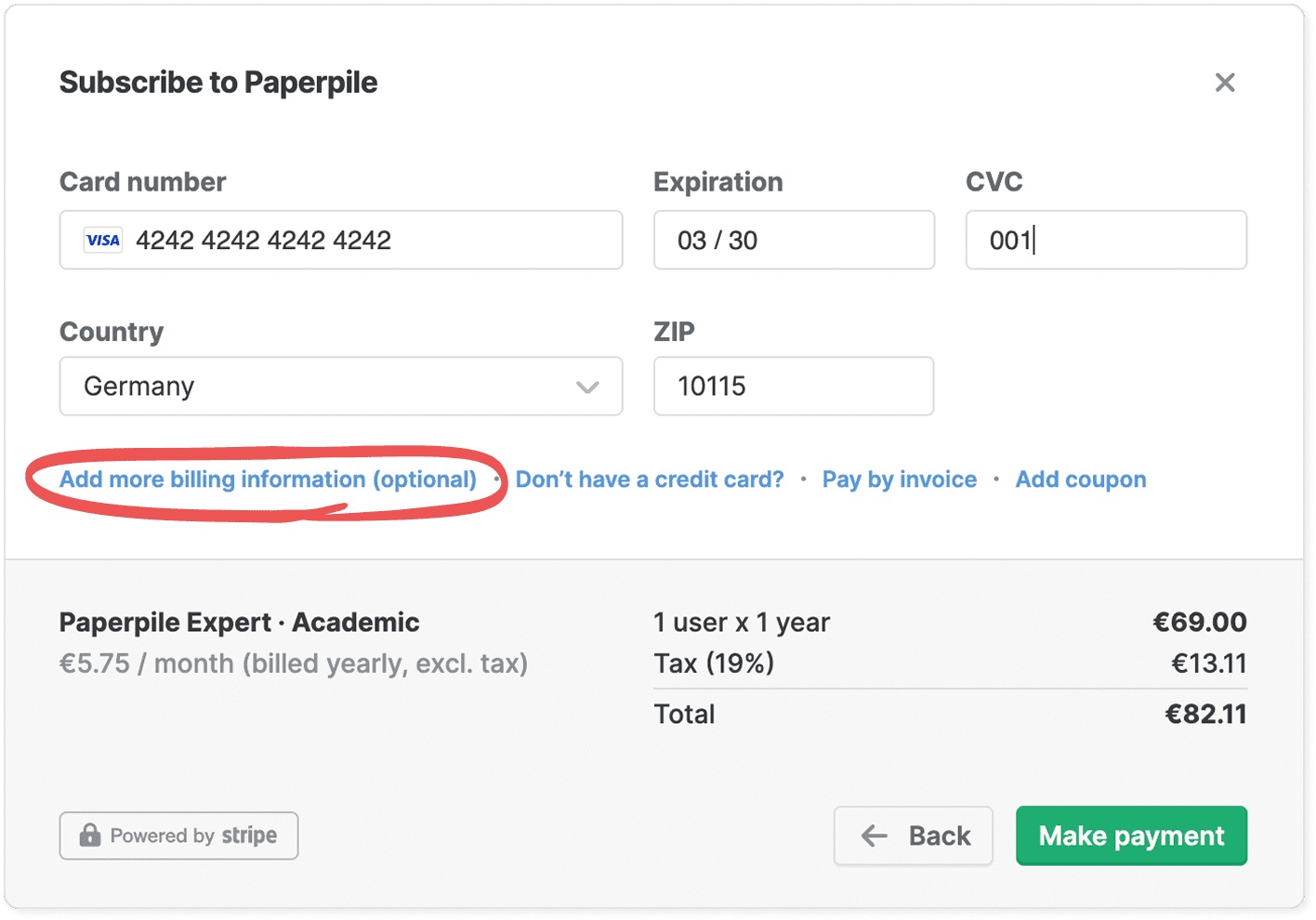
Click Add more billing information to add a tax registration number in the Billing information window.
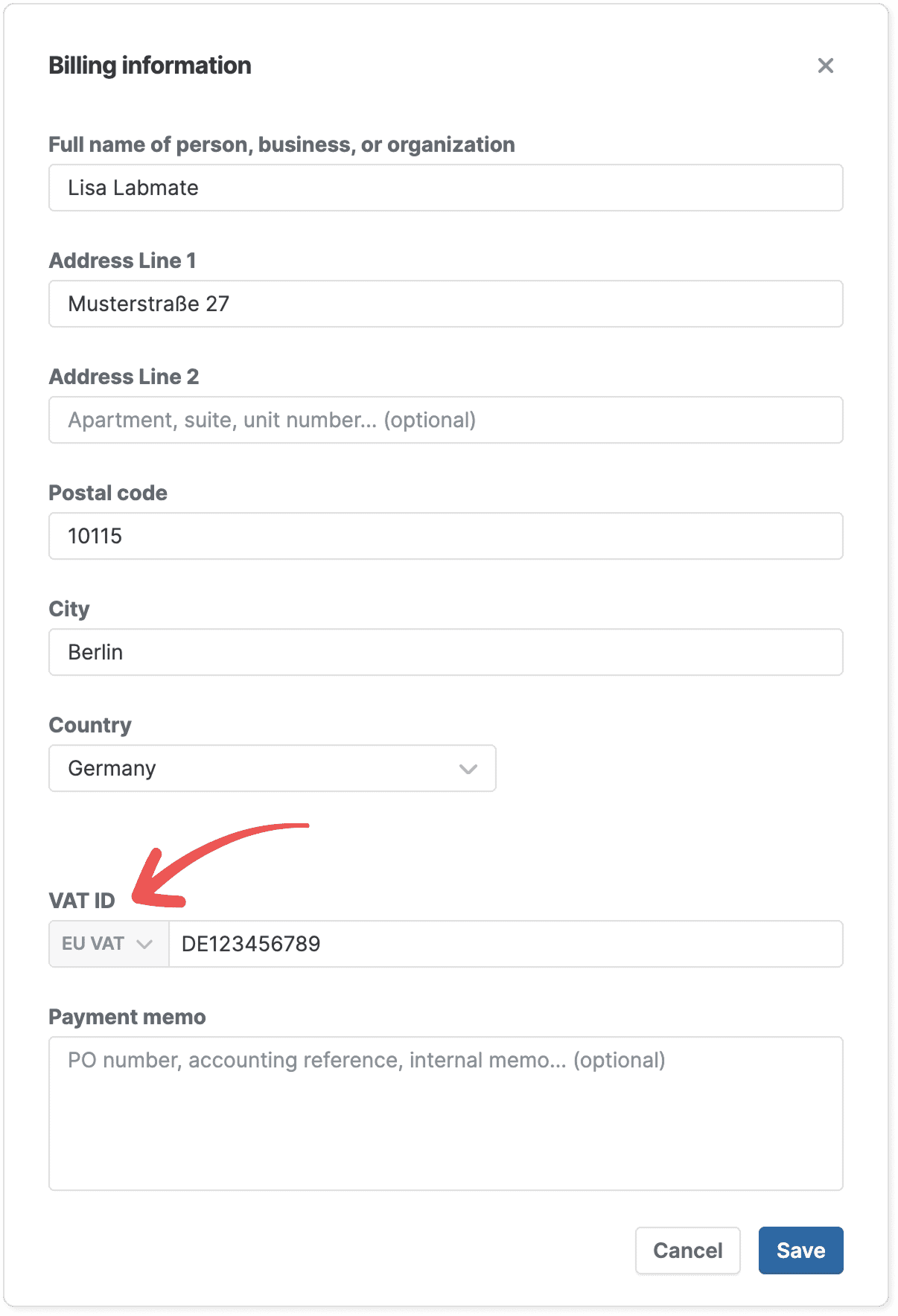
You can also add or update your tax registration number later. Changes will apply to future invoices.
See Invoices and receipts > Add billing information to your invoices for more details.
Where you can see the tax amount
Once your billing address and (if applicable) tax registration number are set, we calculate the applicable tax and show it clearly before you complete your payment.
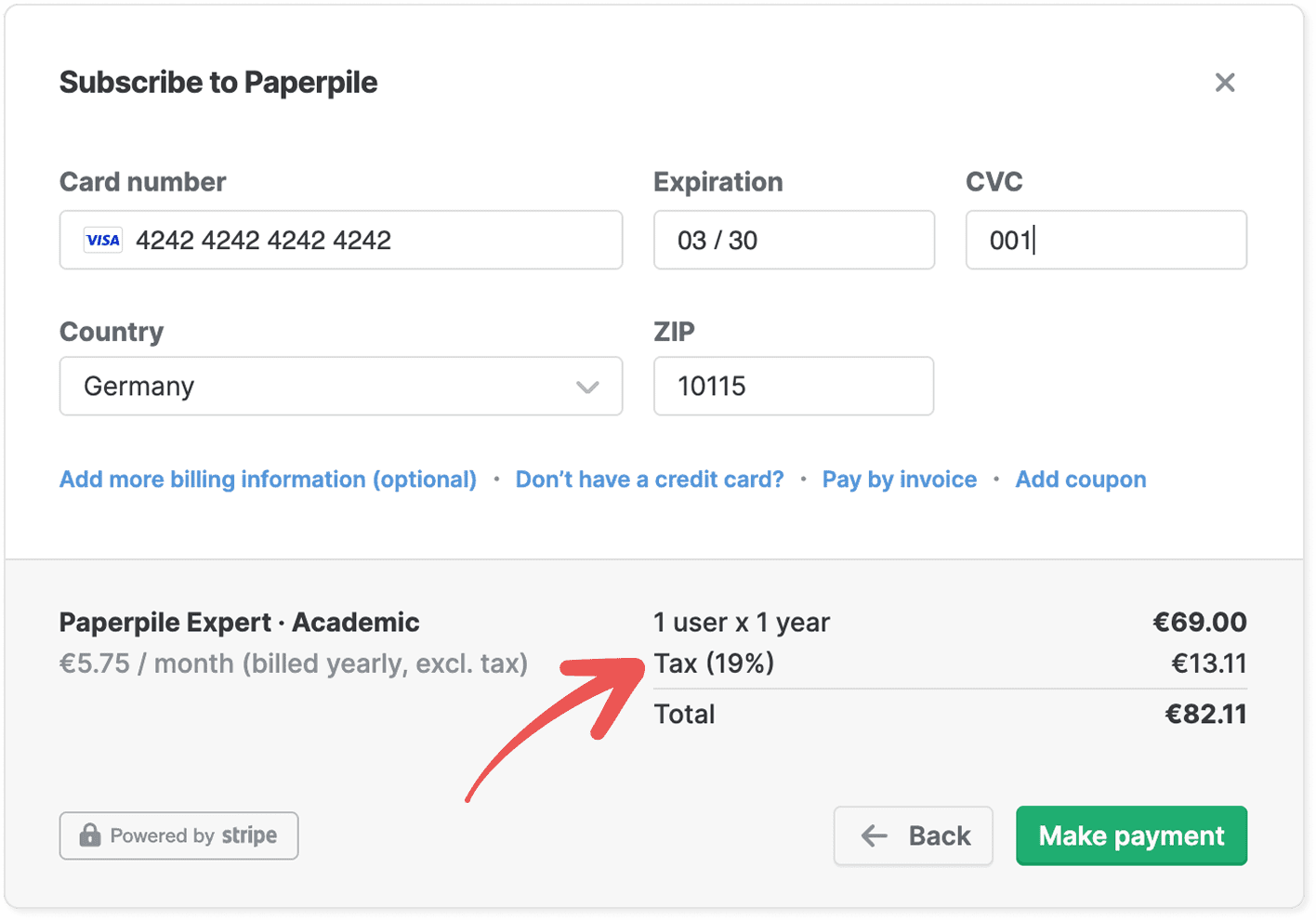
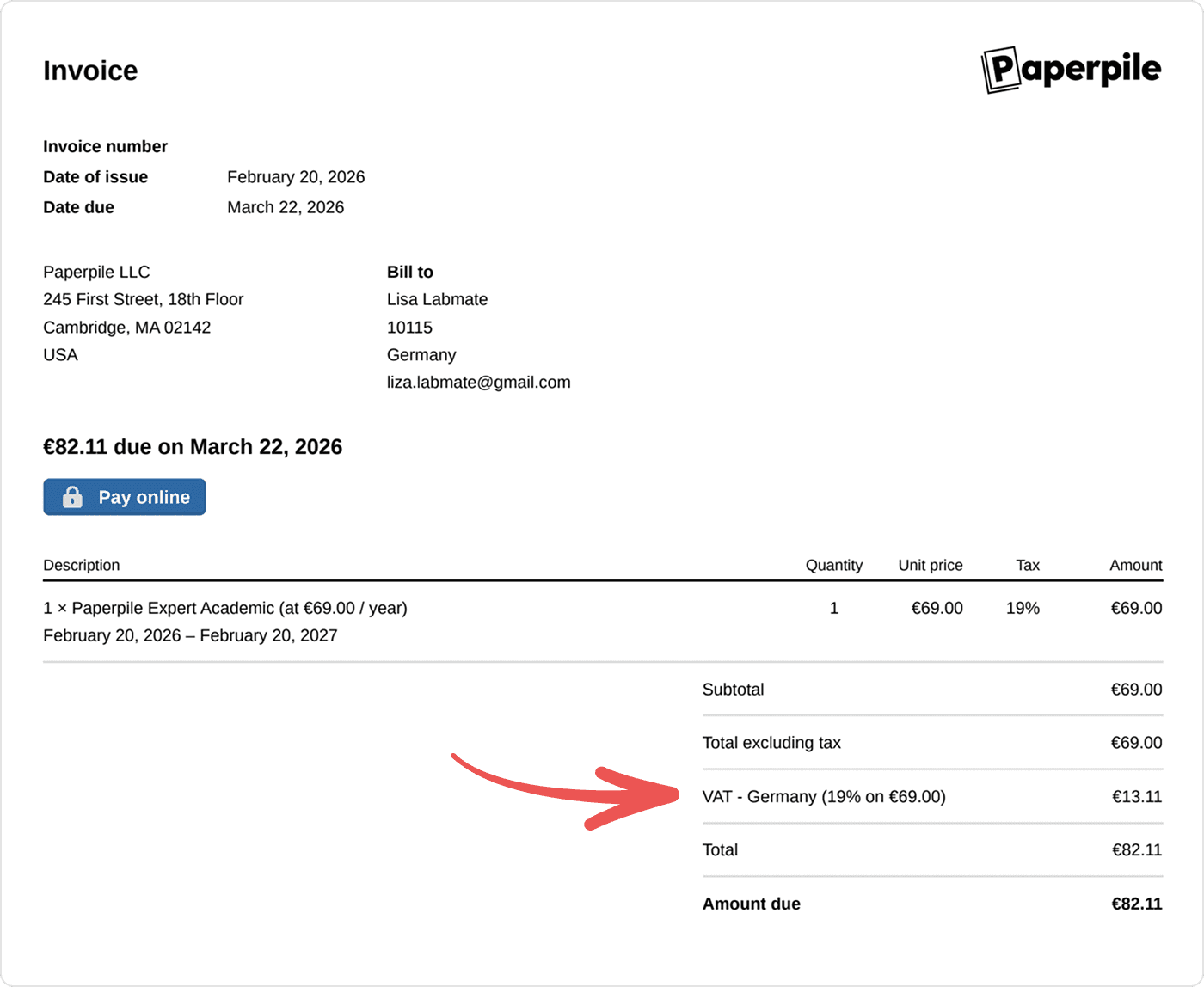
The tax amount is also shown on your receipt and invoice.
Frequently asked questions
Why am I being charged tax now when I wasn’t before?
Tax laws and regulations change over time. In some regions, we may be required to start collecting tax due to updated legal requirements. If tax is now being added to your subscription, it’s because we are required to comply with the laws in your country or region.
I live in a different country than the one being used for tax. What should I do?
Please make sure your billing address is up to date in your account settings. The country listed in your billing details determines which tax rules apply.
See Invoices and receipts > Add billing information to your invoices for more information.