Sign up, sign in, sign out
Sign up for Paperpile to sync your library across all devices and collaborate with your team. You can create an account with Google, Microsoft, Apple ID, or email and password. If you plan to use Google Drive or Google Docs, sign up with Google for seamless integration.
Some Paperpile tools can be used without an account for basic tasks:
For the full Paperpile experience including syncing and collaboration, you'll need an account.
Sign up
When you sign up for Paperpile, your 30-day free trial starts automatically.
If you're invited to join an existing team, you'll join that team's subscription instead. See Join a team or organization.
The sign-up steps are the same in both cases.
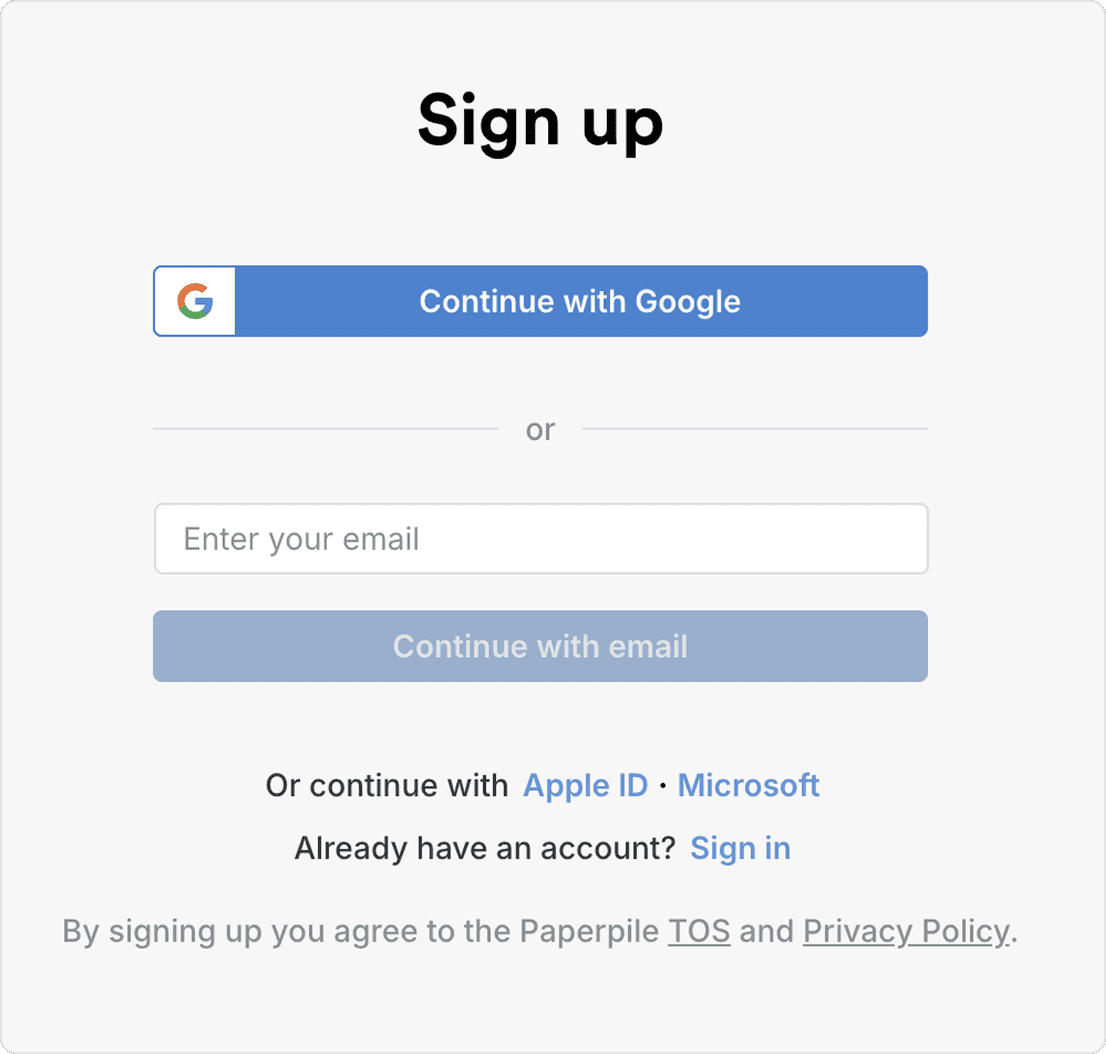
Third-party sign-up
- Google (recommended) — Click Continue with Google and authorize Paperpile. This option enables seamless use of Google Drive, Google Contacts, and Google Docs.
- Microsoft — Click Continue with Microsoft and sign in with your Microsoft credentials.
- Apple ID — Click Continue with Apple and follow the prompts.
Email and password sign-up
- Enter your email address and click Continue with email.
- Create a password that meets these requirements:
- At least 8 characters long
- Mix of uppercase and lowercase letters
- Include numbers and special characters
- Verify your email by clicking the link we send to your inbox.
Sign in
Go to the Paperpile sign in page and select the method you used when creating your account.
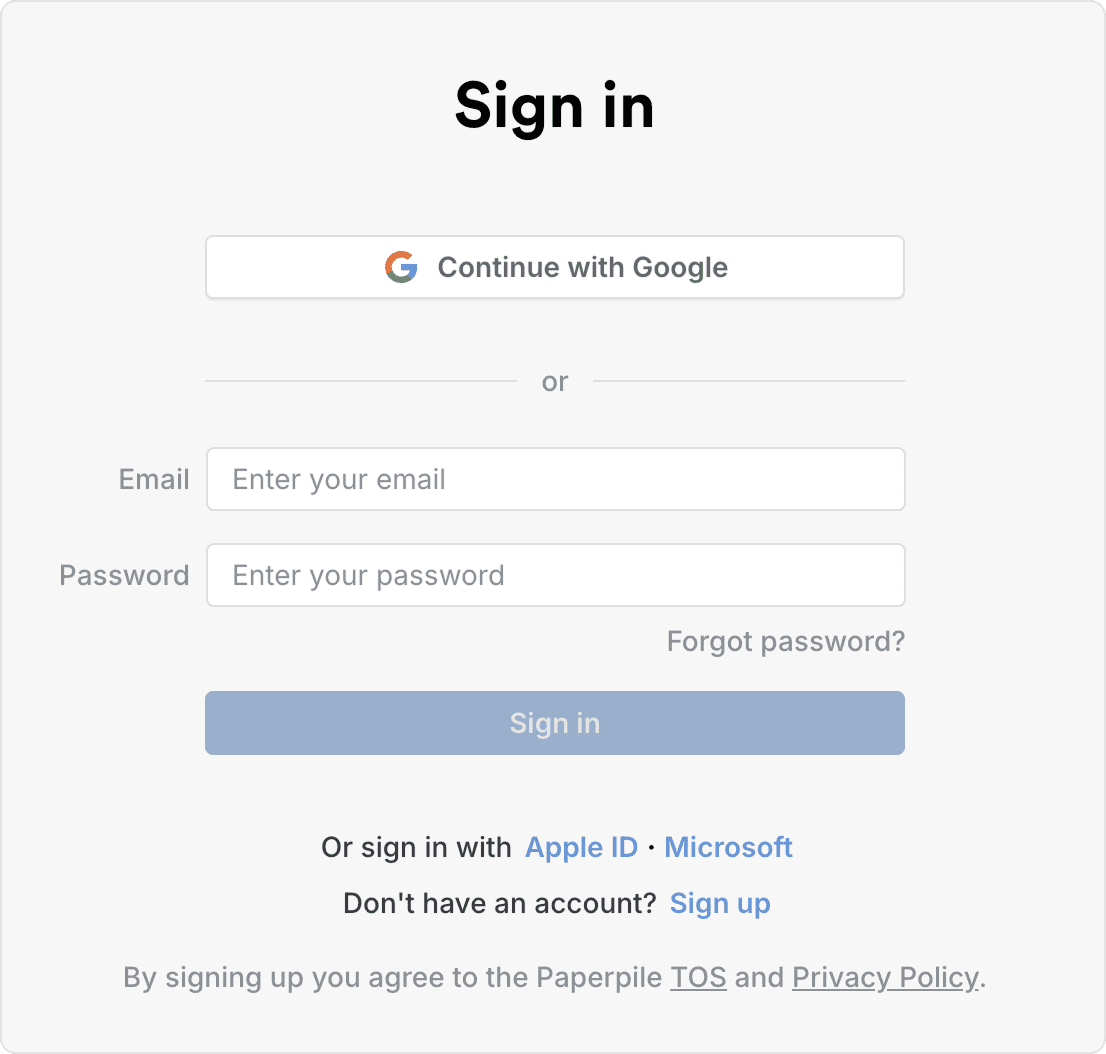
- Continue with Google for Google accounts
- Continue with Microsoft or Continue with Apple for those services
- Enter your email and password if you signed up with email and password. If you forgot your password, click Forgot password? and follow the reset instructions.
Sign out
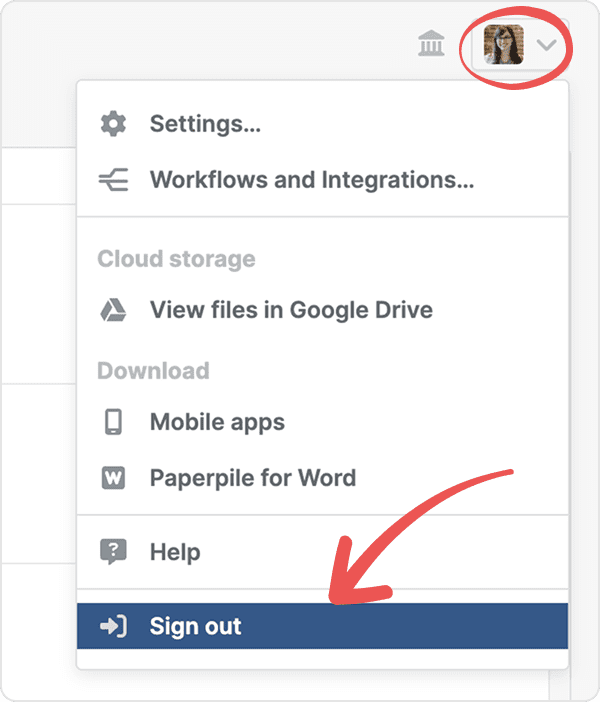
- Click your profile picture in the top right corner
- Select Sign out from the menu
If you're having trouble signing out, go to https://paperpile.com/logout to force sign-out.
When to sign out
Only sign out when using a shared or public computer.
Stay signed in for faster access to your library and tools. Your data remains on your device when you close the app, so your library and PDFs load instantly next time.