Enter reference data manually
Use the metadata edit dialog to add new references to Paperpile manually.
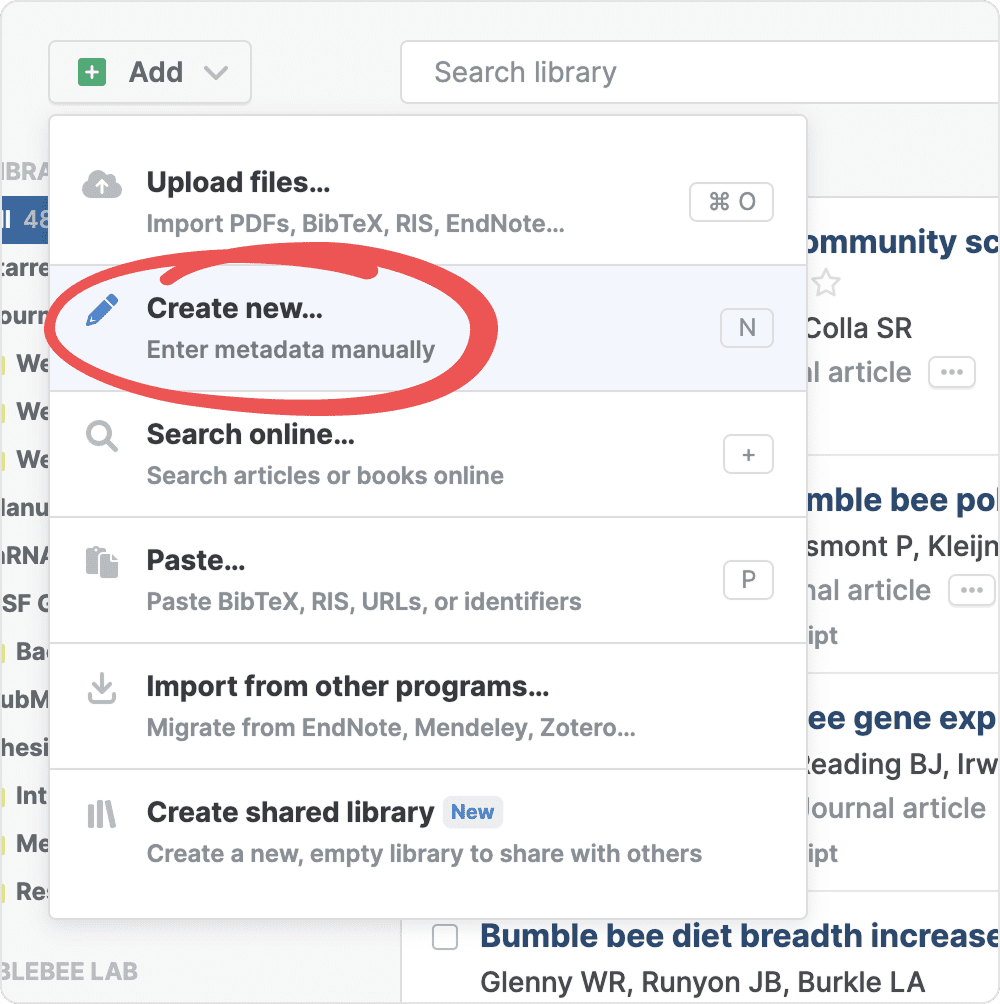
- In the Add menu, select Create new.
- In the metadata edit dialog, enter the reference details.
- To reveal more fields, click Add field and check any field you need.
- Paperpile can auto-populate your fields. Enter a title, DOI, ISBN, or PMID, and click Auto update. Paperpile searches several academic databases and shows you matching results to choose from.
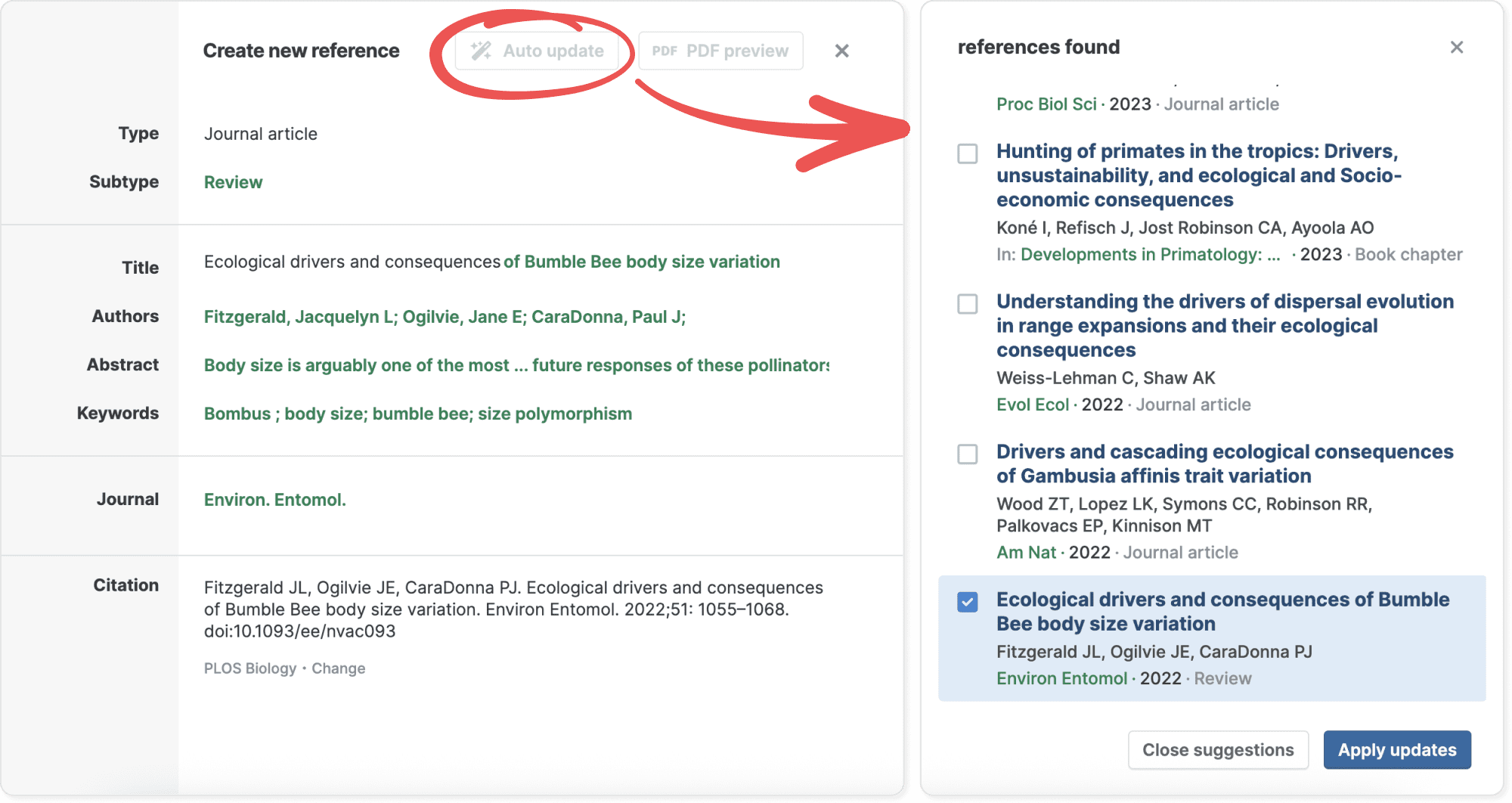
- Review the suggestions in the sidebar and adjust as needed. While you are editing, you can see a citation preview at the bottom.
- Click Apply updates to save your changes.
- Click Save to add the reference to your library.